Mastering Drone Photo Editing: A Streamlined Workflow
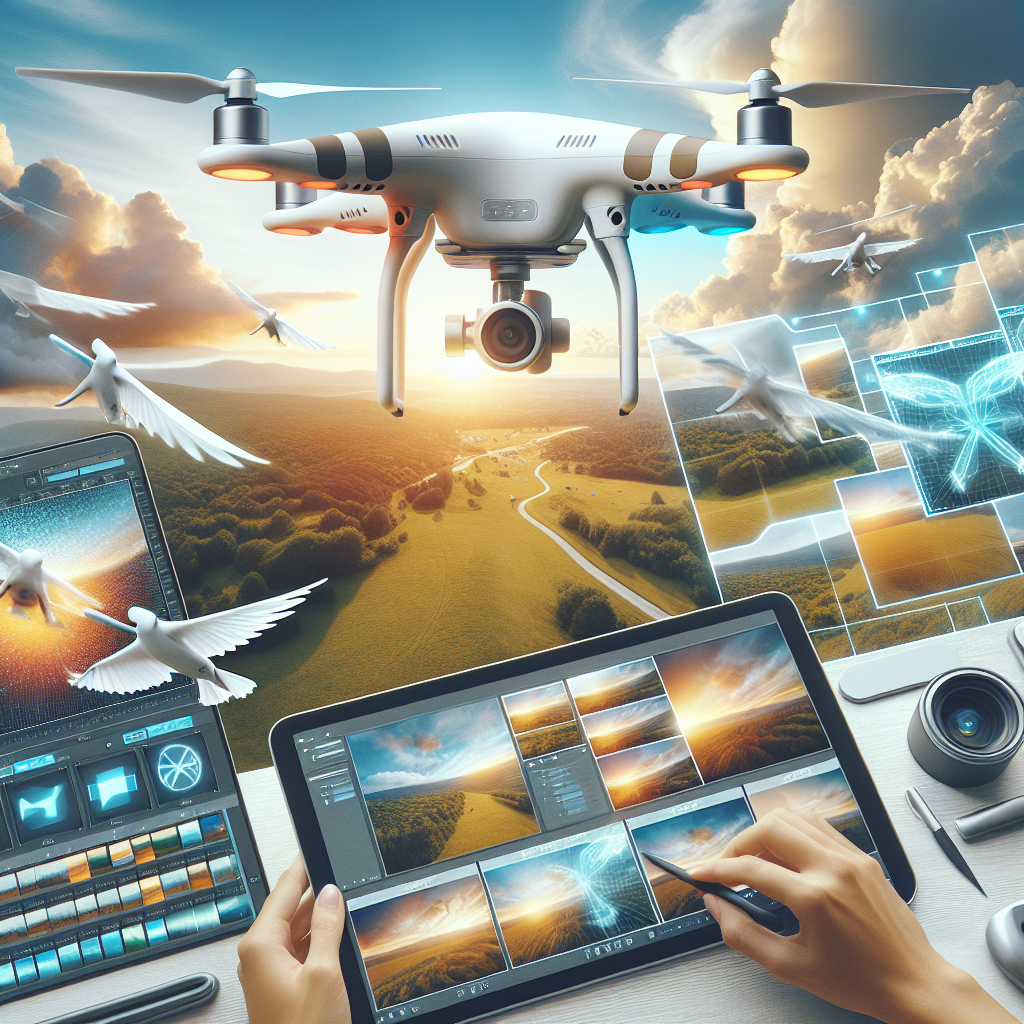
Mastering Drone Photo Editing: A Streamlined Workflow
The advent of drones has revolutionized the world of photography and videography, offering unique aerial perspectives that were once the domain of planes and helicopters. However, capturing a breathtaking aerial shot is only half the battle. The other half lies in post-processing, where raw images are transformed into stunning visual masterpieces. Mastering drone photo editing requires a streamlined workflow that balances artistic vision with technical precision. This article explores the essential steps and techniques to efficiently edit drone photos, ensuring they reach their full potential.
Understanding the Basics of Drone Photography
Before diving into the editing process, it’s important to grasp the foundational aspects of drone photography. Unlike traditional photography, drone images often capture vast landscapes, intricate patterns, and unique angles. These elements can introduce challenges such as distortion, exposure inconsistencies, and color imbalances. Familiarizing yourself with these challenges helps in anticipating the areas that may require more attention during editing.
Step 1: Organizing and Importing Your Photos
The first step in any efficient workflow is organization. After a drone shoot, you’re likely to have hundreds of images. Sorting and cataloging these images is crucial to streamline the editing process.
– **Create a Dedicated Folder Structure**: Use a consistent naming convention for folders based on date, location, or project type. This makes it easier to locate specific images later.
– **Use Photo Management Software**: Import your photos into software like Adobe Lightroom or Capture One, which offer robust organizational tools. Tag images with keywords, rate them, and group them into collections for easy access.
Step 2: Reviewing and Selecting the Best Shots
After organizing your images, the next step is to review and select the best shots. This involves a critical evaluation of composition, focus, and exposure.
– **Initial Culling**: Quickly go through your images and remove any that are out of focus, poorly composed, or have exposure issues beyond repair.
– **Refine Your Selections**: From the remaining images, select those that stand out in terms of composition, lighting, and potential for enhancement.
Step 3: Correcting Lens Distortion and Perspective
Drone cameras often have wide-angle lenses that can introduce distortion, especially at the edges of photos. Correcting this is crucial to maintain the integrity of your images.
– **Lens Correction Tools**: Use lens correction tools available in editing software to automatically adjust distortion based on your drone model.
– **Manual Adjustments**: For more control, manually adjust horizontal and vertical perspectives to ensure lines are straight and the horizon is level.
Step 4: Adjusting Exposure and Contrast
Proper exposure is critical in bringing out the details in your images. Drone photos often capture a wide range of light, from bright skies to shadowed terrain, necessitating careful exposure adjustments.
– **Histogram Analysis**: Use the histogram to assess exposure levels and ensure you’re not losing details to overexposure or underexposure.
– **Dynamic Range Adjustments**: Adjust highlights and shadows to recover details in both bright and dark areas, achieving a balanced exposure.
– **Contrast Enhancement**: Increase contrast to add depth and dimension to your images, but avoid overdoing it to maintain a natural look.
Step 5: Enhancing Colors
Color plays a pivotal role in the emotional impact of a photo. Enhancing colors can transform an ordinary image into something extraordinary.
– **White Balance Correction**: Adjust the white balance to ensure colors are true to life. This is especially important for drone photos taken at sunrise or sunset.
– **Saturation and Vibrance**: Carefully increase saturation and vibrance to make colors pop, while avoiding unnatural hues.
– **Selective Color Adjustments**: Use selective color adjustments to enhance specific colors without affecting the entire image, maintaining a natural appearance.
Step 6: Sharpening and Noise Reduction
Drone photos can suffer from motion blur and noise, especially in low-light conditions. Proper sharpening and noise reduction are essential to enhance image clarity.
– **Sharpening Techniques**: Apply sharpening to emphasize details, being careful to avoid creating artifacts. Focus on areas that naturally draw the viewer’s eye, such as the subject or points of interest.
– **Noise Reduction**: Use noise reduction tools to minimize grain, particularly in the sky or shadow areas, while preserving important details.
Step 7: Cropping and Composition Refinement
Even the best-composed drone photos can benefit from slight adjustments in post-processing. Cropping allows you to refine your composition and enhance the visual impact.
– **Rule of Thirds and Leading Lines**: Use cropping to align your image with compositional rules like the rule of thirds or to emphasize leading lines.
– **Aspect Ratio Considerations**: Depending on your intended platform (e.g., Instagram, print), adjust the aspect ratio to suit the medium without losing key elements of the image.
Step 8: Final Touches and Exporting
The final step in your editing workflow involves making subtle adjustments that enhance the overall presentation of your image.
– **Vignette Application**: Add a subtle vignette to draw attention toward the center of the image, enhancing focus on the subject.
– **Spot Removal**: Check for and remove any distracting spots or blemishes, such as sensor dust or lens flares.
– **Export Settings**: Choose the appropriate export settings based on the image’s intended use. For online sharing, optimize for web quality. For prints, ensure high resolution and appropriate color profiles.
Conclusion: Refining Your Workflow for Consistency and Efficiency
Mastering drone photo editing is as much about developing a streamlined workflow as it is about honing your editing skills. Consistency and efficiency in your process ensure that you can focus more on your creative vision rather than getting bogged down by technicalities.
Refining your workflow involves regularly reviewing and updating your editing techniques to incorporate new tools and trends in drone photography. Continuous learning and adaptation are key to staying ahead in the dynamic field of aerial photography.
By following the streamlined workflow outlined in this article, you can enhance your drone photos to create visually stunning images that captivate and inspire. Embrace the art of editing as an integral part of your creative journey, and let your unique vision take flight.
#ChatGPT assisted in the creation of this article.
Share this content:

Post Comment